Xentry vs DTS Monaco: What's the Real Difference for Mercedes-Benz?
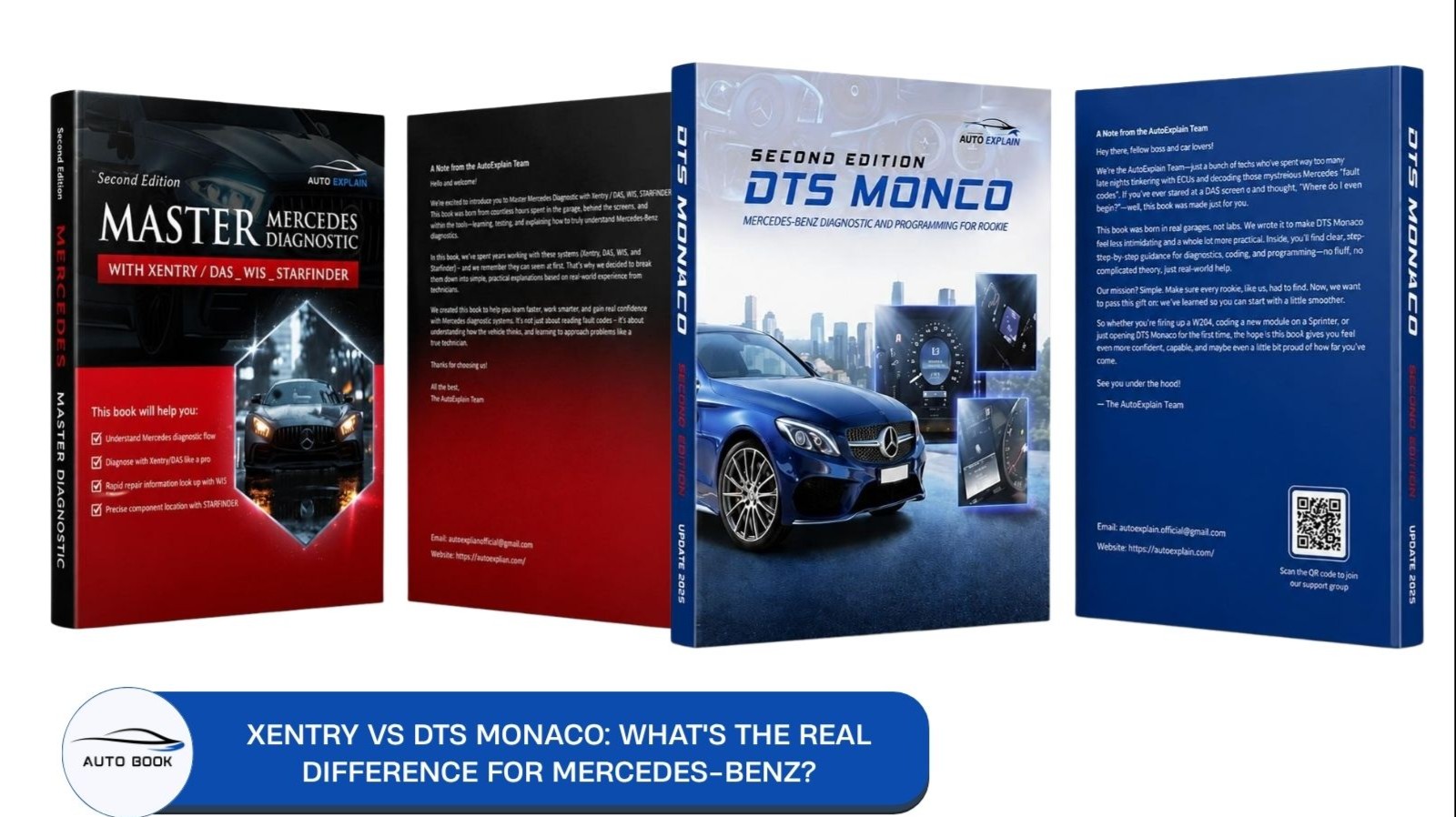
Ask ten Mercedes-Benz technicians about Xentry vs DTS Monaco, and you'll likely get ten different answers about which one you actually need. Some swear Xentry handles everything. Others won't touch a coding job without DTS Monaco open. So which is it — and what happens when you pick the wrong one for the job?
What Is Xentry?
Xentry is the official diagnostic software Mercedes-Benz dealerships and independent workshops rely on for day-to-day vehicle diagnostics. It's the tool most technicians open first — and for the vast majority of repair and maintenance work, it's also the only tool they need.
Xentry connects through interfaces like SD Connect (C4/C5/C6) and covers the full model lineup, from passenger cars to trucks, vans, and Smart/Maybach models.
Core Capabilities
- Reading and clearing DTCs (fault codes) across all vehicle control units
- Live data access — pulling raw values directly from ECUs for real-time diagnosis
- Adaptations — resetting or recalibrating components after a repair (e.g., steering angle, throttle body)
- Sensor initialization — bringing new or replaced sensors online correctly
- Guided troubleshooting — step-by-step diagnostic routines built by Mercedes-Benz for common fault patterns
Where Xentry Stops
Xentry is built to diagnose and maintain — not to modify how a system behaves. It won't let you change variant coding, enable or disable features that weren't factory-set for a specific configuration, or dig into the deeper parameterization layers of an ECU. That's the line where technicians typically start asking whether they need something more — which is exactly where DTS Monaco comes in.
What Is DTS Monaco?
DTS Monaco is an engineering-level tool developed by Softing, used for ECU-level coding, flashing, and parameterization — work that goes beyond what Xentry is designed to do. Where Xentry diagnoses and maintains, DTS Monaco lets technicians change how a vehicle's systems actually behave.
In practical terms, this covers things like adjusting variant coding to disable lane-keep assist, adding audio balance controls, or enabling a camera at speeds where it would normally be locked out — changes documented by technicians working through real coding setups, not adjustments Xentry provides a path to.
DTS Monaco can also perform diagnostics, but it's considerably more complex than Xentry for that purpose, which is why most technicians keep Xentry as their primary tool and bring in DTS Monaco specifically for coding work.
It's worth noting: DTS Monaco requires proper licensing and access, and community discussions consistently point out that — unlike Xentry — it doesn't provide warnings before or after a coding change. That makes it a tool worth understanding thoroughly before using it on a vehicle you depend on.
For a full breakdown of DTS Monaco compared to Vediamo — the other major Mercedes-Benz engineering tool — see our DTS Monaco vs Vediamo guide.
Xentry vs DTS Monaco — Comparison Detail
| Criteria | Xentry | DTS Monaco |
|---|---|---|
| Primary purpose | Day-to-day diagnostics and maintenance | Engineering-level coding, flashing, and parameterization |
| Typical user | Dealership and independent workshop technicians handling routine repairs | Advanced technicians and engineers doing coding/customization work |
| Diagnostic capability | Core function — DTC reading/clearing, live data, guided troubleshooting | Possible, but considerably more complex than Xentry for this purpose |
| Variant coding / feature changes | Not designed for this — limited to adaptations, not deeper behavior changes | Core function — used to change variant coding, e.g. disabling lane-keep assist, adding audio balance controls, enabling a camera at speeds normally locked out |
| Safeguards during use | Provides guided routines and structured workflows | Community reports consistently note no warnings before or after a coding change |
| Licensing | Official Mercedes-Benz diagnostic licensing | Requires its own licensing/access, separate from Xentry |
| Interface | Commonly used with SD Connect (C4/C5/C6) | Also used with SD Connect interfaces |
| Learning curve | Built for everyday use — more approachable | Steeper — described as an engineering tool best suited for advanced users |
Xentry answers "what's wrong with this car and how do I fix it." DTS Monaco answers "how do I change what this car's systems are set to do." They're not competing tools solving the same problem — Xentry rarely gets replaced by DTS Monaco, and DTS Monaco isn't a diagnostic upgrade so much as a different category of work entirely.
What Can DTS Monaco Do That Xentry Can't?
This is the question that usually pushes technicians to look beyond Xentry in the first place. Xentry can tell you what's wrong with a system and let you run adaptations — but it doesn't give you access to change how a system is configured to behave. That gap is where DTS Monaco comes in.
A documented example comes from a technician setting up a diagnostic and coding system for a 2022 Sprinter van (V6 diesel). Using Xentry, they were able to diagnose the vehicle, clear codes, and view underlying data — standard diagnostic work. But for actual variant coding changes, they had to move to DTS Monaco, which they used to:
- Disable lane-keep assist
- Add audio balance controls that weren't otherwise accessible
- Enable the camera at any speed, rather than being locked to certain speed thresholds
None of these are diagnostic tasks — they're configuration changes to how the vehicle's systems are set up, which is exactly the category of work Xentry isn't built for. The same write-up noted that this wasn't guesswork done casually: setting up a working DTS Monaco environment took the technician several months, and they described it as carrying real risk if used carelessly.
What Can DTS Monaco Do That Xentry Can't?
This is the question that usually pushes technicians to look beyond Xentry in the first place. Xentry can tell you what's wrong with a system and let you run adaptations — but it doesn't give you access to change how a system is configured to behave. That gap is where DTS Monaco comes in.
A documented example comes from a technician setting up a diagnostic and coding system for a 2022 Sprinter van (V6 diesel). Using Xentry, they were able to diagnose the vehicle, clear codes, and view underlying data — standard diagnostic work. But for actual variant coding changes, they had to move to DTS Monaco, which they used to:
- Disable lane-keep assist
- Add audio balance controls that weren't otherwise accessible
- Enable the camera at any speed, rather than being locked to certain speed thresholds
None of these are diagnostic tasks — they're configuration changes to how the vehicle's systems are set up, which is exactly the category of work Xentry isn't built for. The same write-up noted that this wasn't guesswork done casually: setting up a working DTS Monaco environment took the technician several months, and they described it as carrying real risk if used carelessly.
Do You Actually Need DTS Monaco?
For most repair and maintenance work, the answer is no — Xentry covers it. If your work is limited to diagnosing faults, clearing codes, running adaptations, or following guided troubleshooting routines, Xentry is the tool built for that, and it's what most workshops use as their primary system.
DTS Monaco becomes relevant when the job moves into variant coding or configuration changes — the kind of work Xentry simply isn't designed to do, like the lane-keep assist, audio balance, and camera examples covered above.
A few things worth weighing before adding DTS Monaco to your toolkit:
- It requires its own licensing and access, separate from what Xentry needs.
- There's no built-in warning system before or after a coding change — a point raised consistently intechnician communities, in contrast to the more guided nature of Xentry.
- It has a real learning curve. The technician in the Sprinter case study described the setup process itself as taking several months, and explicitly noted the risk of using DTS Monaco carelessly.
If you're only occasionally doing coding work, it may make more sense to have someone experienced handle that specific task rather than fully setting up DTS Monaco. But if coding and customization are becoming a regular part of your work, Xentry alone won't get you there — DTS Monaco is the tool built for that next step.
See more: DTS Monaco Engineering Guide
FAQ
Xentry vs DTS Monaco — which one should I learn first?
Xentry, in almost all cases. It's the tool built for everyday diagnostic and maintenance work, and most technicians use it as their primary system. DTS Monaco becomes relevant only once your work moves into variant coding or configuration changes that Xentry doesn't handle.
Does DTS Monaco replace Xentry?
No. DTS Monaco can perform some diagnostics, but it's considerably more complex than Xentry for that purpose. The two tools serve different jobs — Xentry for diagnosing and maintaining, DTS Monaco for coding and configuration changes — and most technicians keep both rather than replacing one with the other.
Do I need Xentry, DTS Monaco, and Vediamo all at once?
Not necessarily. Xentry covers routine diagnostic work on its own. DTS Monaco and Vediamo are both engineering-level coding tools, and which one (or both) you need depends on the vehicles and coding tasks you're working on — see our DTS Monaco vs Vediamo guide for that comparison.
Is DTS Monaco safe for someone new to coding?
It carries real risk. Community discussions consistently note that DTS Monaco doesn't provide warnings before or after a coding change, unlike Xentry's more guided workflow. Setting it up and using it properly has been described as taking real time to learn, with genuine risk if used carelessly.
Can Xentry and DTS Monaco use the same interface?
Yes — both are commonly used with SD Connect interfaces (C4/C5/C6).
See more: Mercedes Xentry/DAS_WIS_Starfinder Manual [AI Assistant]